This post inspired by a conversation at the Omni Group Discourse site.
Checklists can be very helpful. These are lists that tend to repeat themselves. You may have a checklist for preparing for a trip, setting up a performance, shutting down the workday, and more.
Here are two examples of how I might manage them in OmniFocus:
The first is a weekly review. I:
The task has a defer and due date of this Friday.1
The task repeats by defer another at a frequency of weekly. It has a tag of “Current” which causes it to appear in my Current perspective.
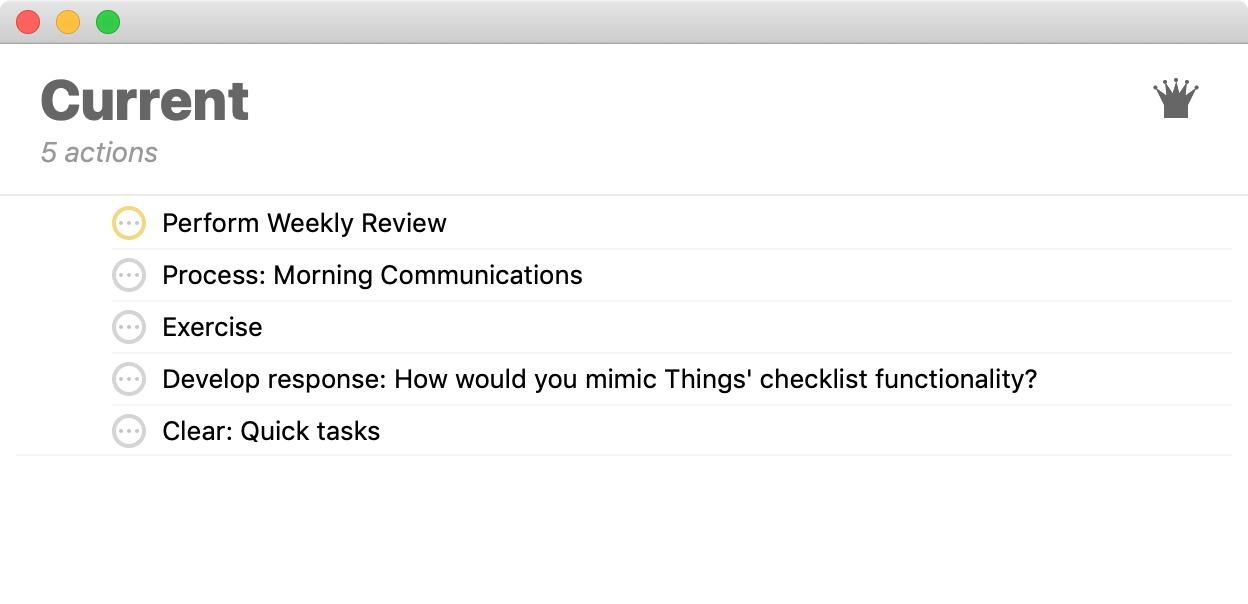
The resulting task rests in my Current list:
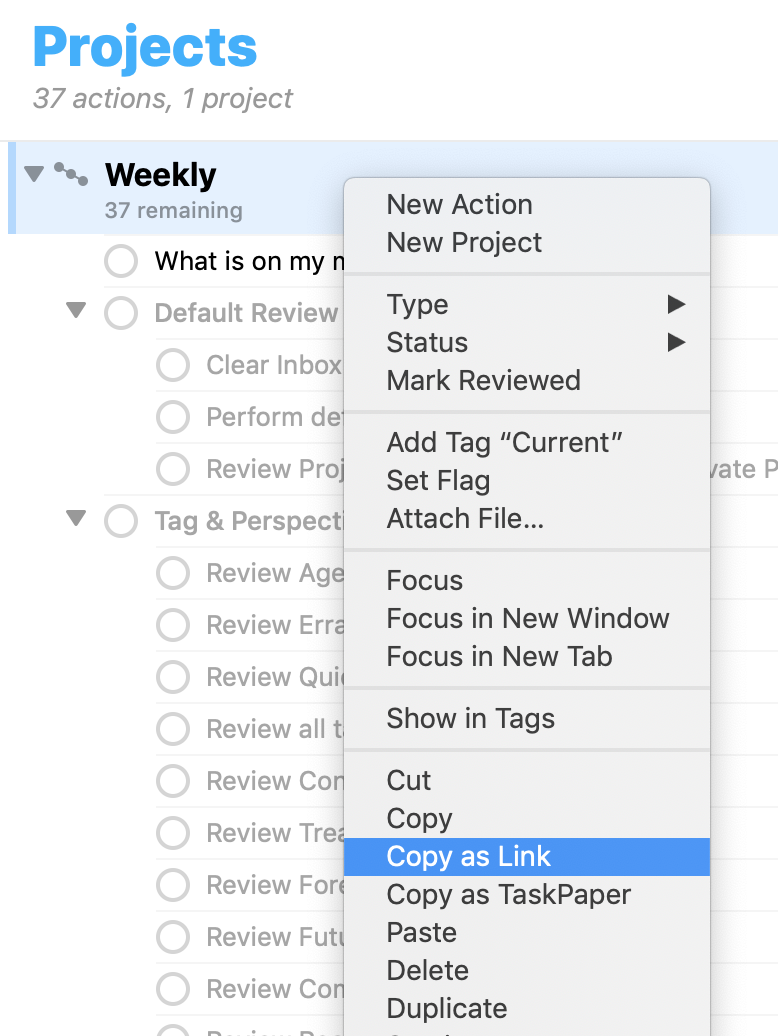
Instead of linking to a dedicated perspective as you see in mine, you could simplify matters by linking to a project directly using the Copy as Link function. To do so:
Here, the project is also repeating weekly and is set to auto-complete when its last task is done:
However, I have no due date assigned to it. This keeps all of its tasks from cluttering a perspective such as the Forecast perspective. The only thing that would appear in the Forecast’s due areas is that single task. The idea that there is one thing due is much more representative of how I want things presented, rather than 20 or 30 in a checklist. The only thing that has the due date assigned is the triggering task described early that appears in the Current view.
As another example, I will use a repeating task to trigger a daily office checklist. I could use the same method as above, but I prefer to have all of its tasks outside of OmniFocus. This can further minimize any cluttering within OmniFocus, though at the cost of syncing the list to other devices. I’m certain there must be ways to do so, but I have not explored them.
This method uses a program external to OmniFocus, namely OmniOutliner.
To set it up:
If you want to have OmniFocus directly connect an alias to the file:
Alternatively, you can use a program such as Hook to link to the file. I prefer using Hook as the links tend to be more reliable for me.
This second example does, more or less, tie the work to my laptop where the template resides, but that is fine as the laptop is the only place I do the office checklist.