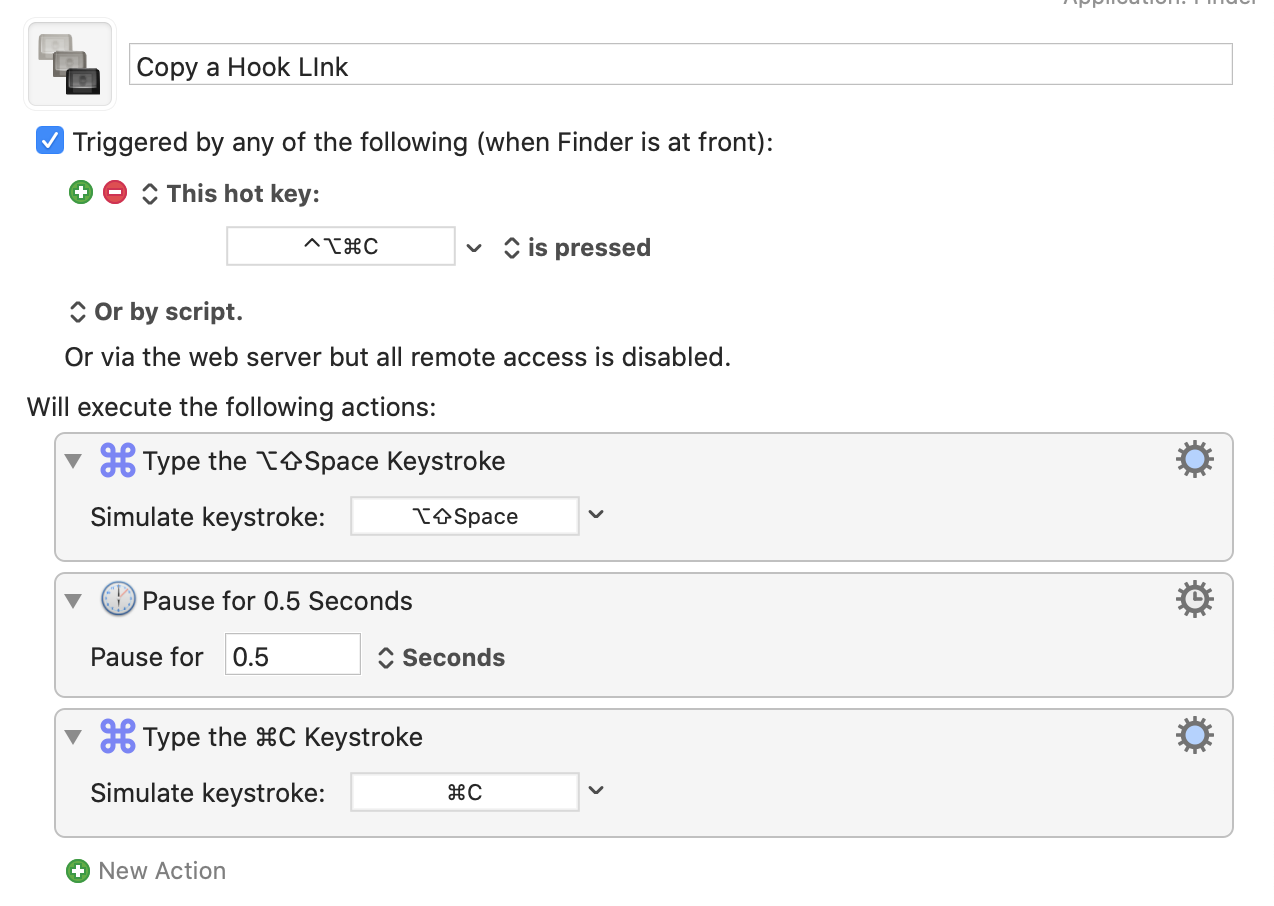
Addendum 2022-06-25: Since writing this post, I've discovered that there is already a quicker way to do this, namely through Hook itself, so no Keyboard Maestro macro is necessary. The default command to capture a link to a file type Shift-Command-C. You can check out Hook's key commands here.
If you open the preferences for Hook, you can have access to several types of links including a markdown version. Here's an image of my own where you can see that I've changed default commands to suit my own tastes:

The following was the original post:
Copying a link to a file can be super useful. For example, you can have a task that says, continue writing paper, and have a link connecting to the file. Hook is a neat app that lets you do it. All you need to do is:
- Type Shift-Option-Space (See Addendum below) 1
- Type Command-C
But in the interest of seeking greater efficiency (aka "productive laziness"), I made a Keyboard Maestro macro to do it in just one key command:
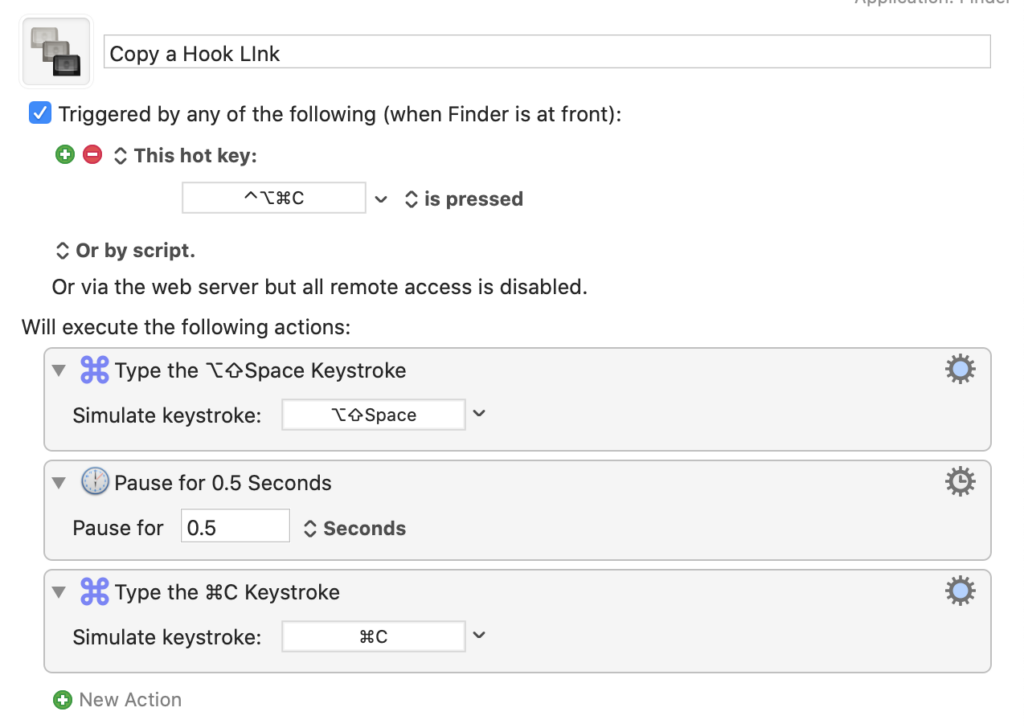 Keyboard Maestro macro for quick links with Hook
Now, I just type Control-Option-Command-c.
- Addendum 2020-08-04: Please note that the default for calling Hook is Shift-Command-Space, whereas I have changed my own to Shift-Option-Space. To make the Keyboard Maestro work for yourself, you would need to adjust the key command accordingly. ↩