

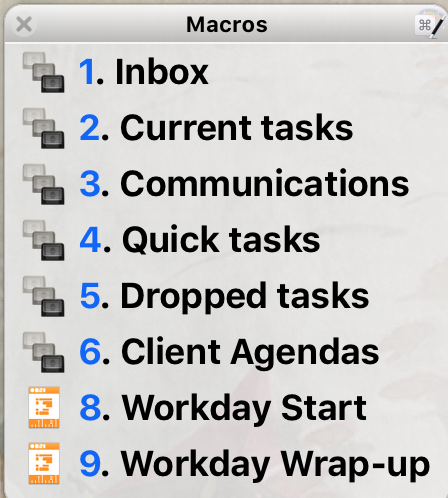
Quick access to our lists is important. It is useful to be able to get at our information quickly and have it stay out of the way otherwise.
Here’s a neat way I’ve been using to access my perspectives lately:
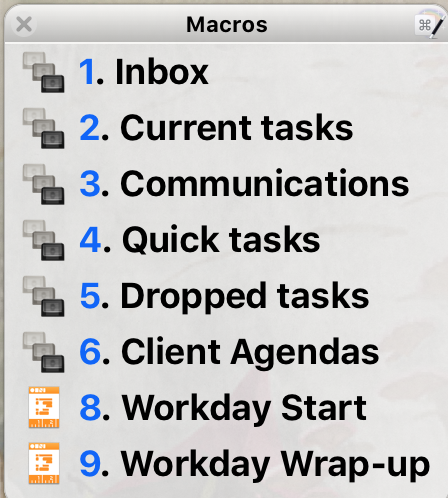
I just type a key command and up comes the palette. I type the number for the perspective, tag, or template I want and up it comes.
I won’t go into great detail as this post assumes knowledge of Keyboard Maestro. If you’re interested in a solid tutorial, consider checking out David Sparks’ Keyboard Maestro field guide.
Setting up Keyboard Maestro's Palette for an OmniFocus Workflow
Here’s the set up…
- Create a folder for your Workflow Palette:
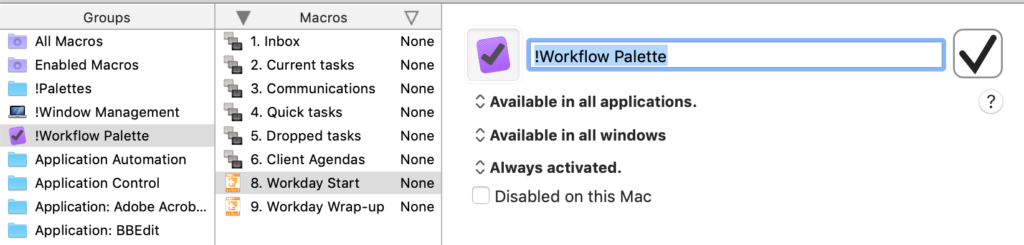
Add any macros you want. You can set up a perspective:
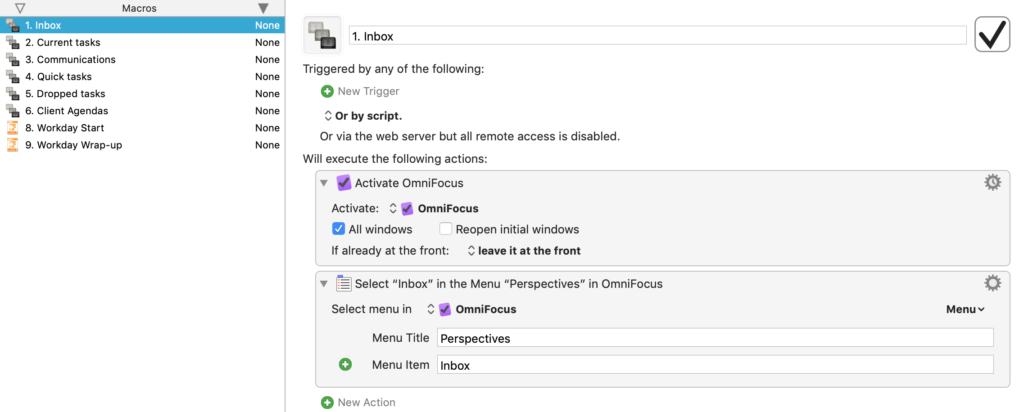
a tag by using the copy as link function and pasting into an Open URL function:
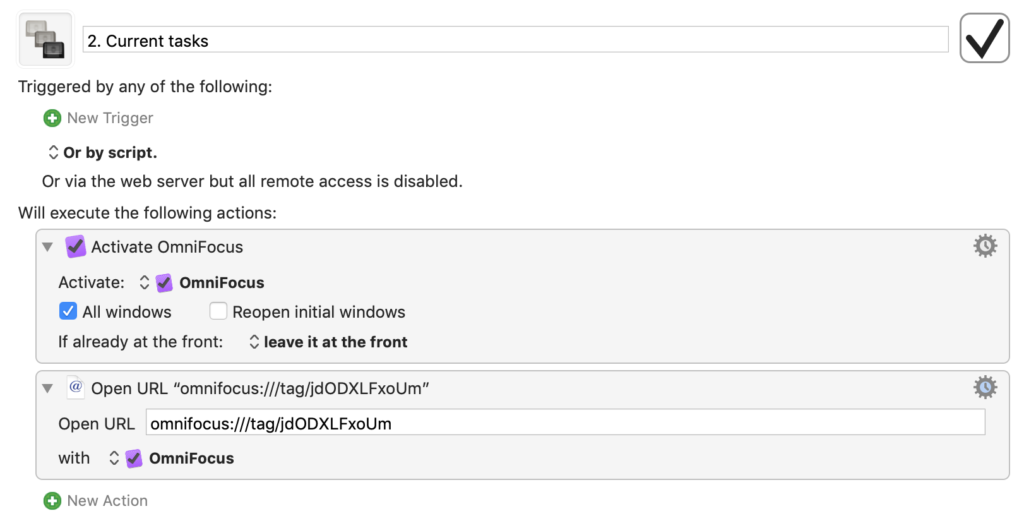
or an OmniOutliner Template by opening the specific file:
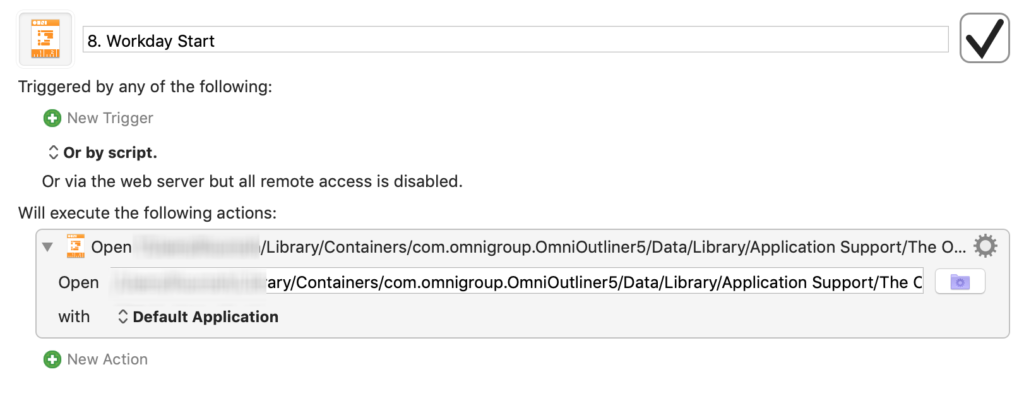
Notice, I’ve named them beginning with a number. That way, I can:
- order them in the palette and
- call them up by a number.
Finally,
- Create a Keyboard Maestro folder dedicated to palettes:
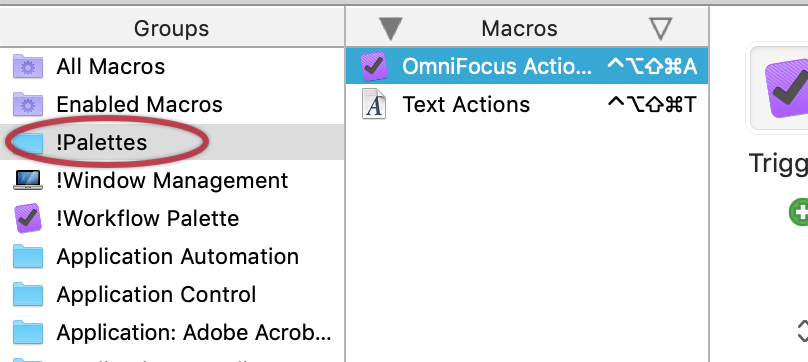
- Then set up the action to open the macro group:
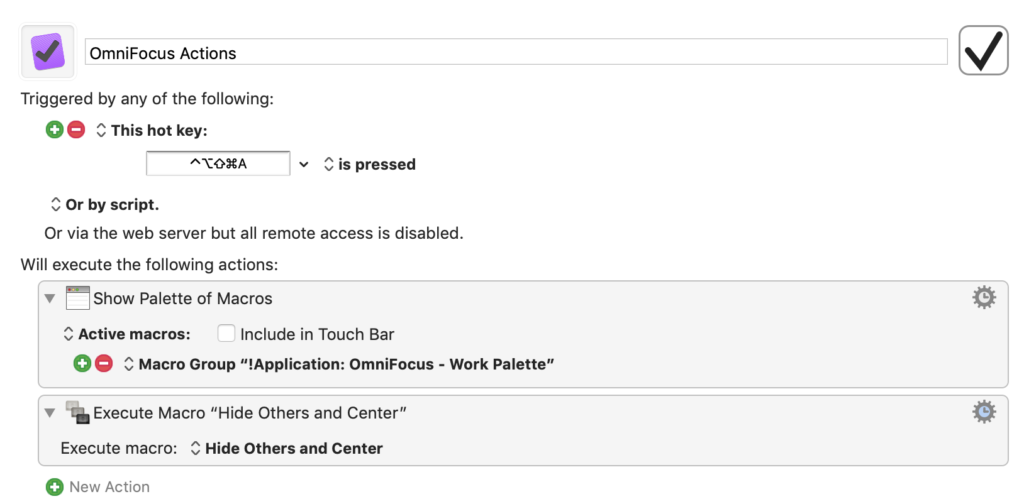
Here I’m using the Karibiner system described by Brett Terpstra and David Sparks. That way, I have CapsLock-A functioning as my key command.
A Simpler Method
Now there is a simpler method for just perspectives that is already a part of OmniFocus. You could:
- Open the Perspectives window (Control-Command-p).
- Adjust the window sizes as you desire.
- Select the Show Perspective Settings button:
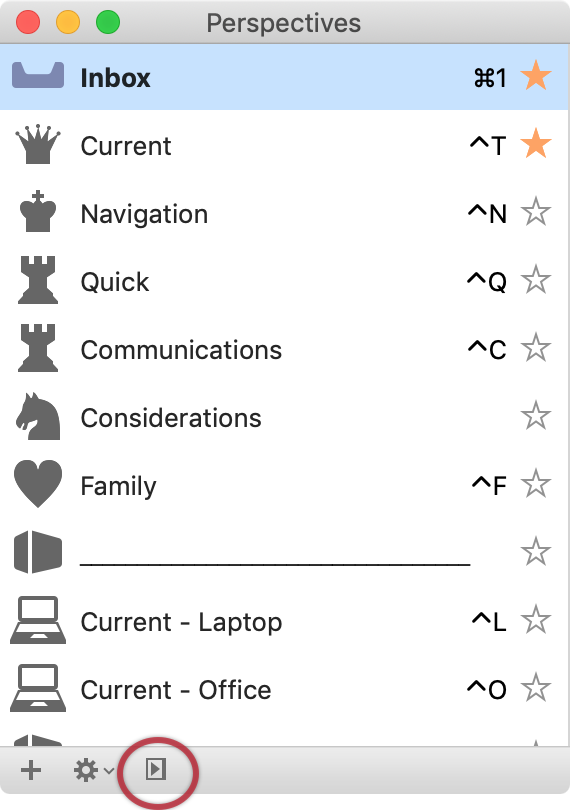
The drawbacks here are that:
- The window sticks and is shuffled around like any other window.
- You can only have your perspectives (not individual tags unless perspectives are created for them and not other files like an OmniOutliner template)
- Your list includes all of your perspectives, rather than just a top selection.
I’m sure others have other methods of gathering their workflow processes. Feel free to share in the comments!
Note - the Dropped Tasks perspective is one I'm currently experimenting with. It is based on the upcoming 3.4 version, which you can test as well by signing up at the Omni Group.






