

I still find Jesse's script to quickly get to a link in a note super useful (See Getting more Focused with OmniFocus & Links by Hotkey). Using Keyboard Maestro, I once used was Option-Space as its key command.
I've since changed it to Option-Command-Space to make room for upcoming OmniFocus functionality. Specifically, Option-Space will be used to drop tasks. I hope to write a post on it later.
In the meantime, if you're interested, you can try out the new functionality as part of the Omni Group's beta.
Normally, I wouldn't make a big deal of the key command change but as it is such a regular part of my workflow, I figured it might be for some of you out there, too.
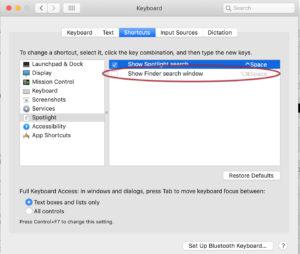
If you want to make a change to the same key command as I'm using, you may also need to make an adjustment to the mac system settings. Here's what I needed to do:
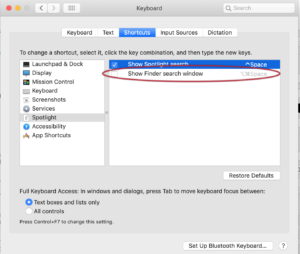
- Open System Preferences
- Go to Keyboard
- Go to Shortcuts tab
- In the left column, go to Spotlight
- Uncheck Show Finder Search window:
Certainly, feel free to chose a key command less troublesome to set up, but I like this one.






