

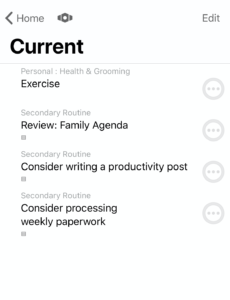
OmniFocus can present your tasks with a lot or a little information, depending on your tastes. One place that The Omni Group have recently made this even more useful is on perspectives in iOS.
As an example, here is my Current perspective:
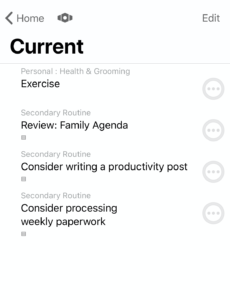 My current "Current" perspective in OmniFocus on iOS[/caption]
It displays tasks with only the projects they are related to showing. OmniFocus gives you the option to have Projects or Tags show or not show in any combination. To adjust this,
- Select the Perspective editing icon:
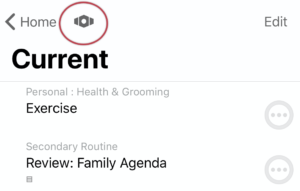 Select Perspective Editing Icon[/caption]
Here is an overview of my Current Perspective settings:
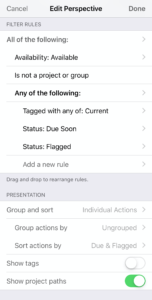 Overview of "Current" Perspective[/caption]
At the bottom, you can see where the options are to adjust the presentation of tags or projects:
 Show project paths on[/caption]
For instance, if you wanted to see tags and not projects, adjust the settings so they would appear as follows:
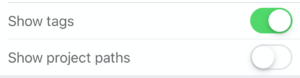 Show tags on[/caption]
You should see something like:
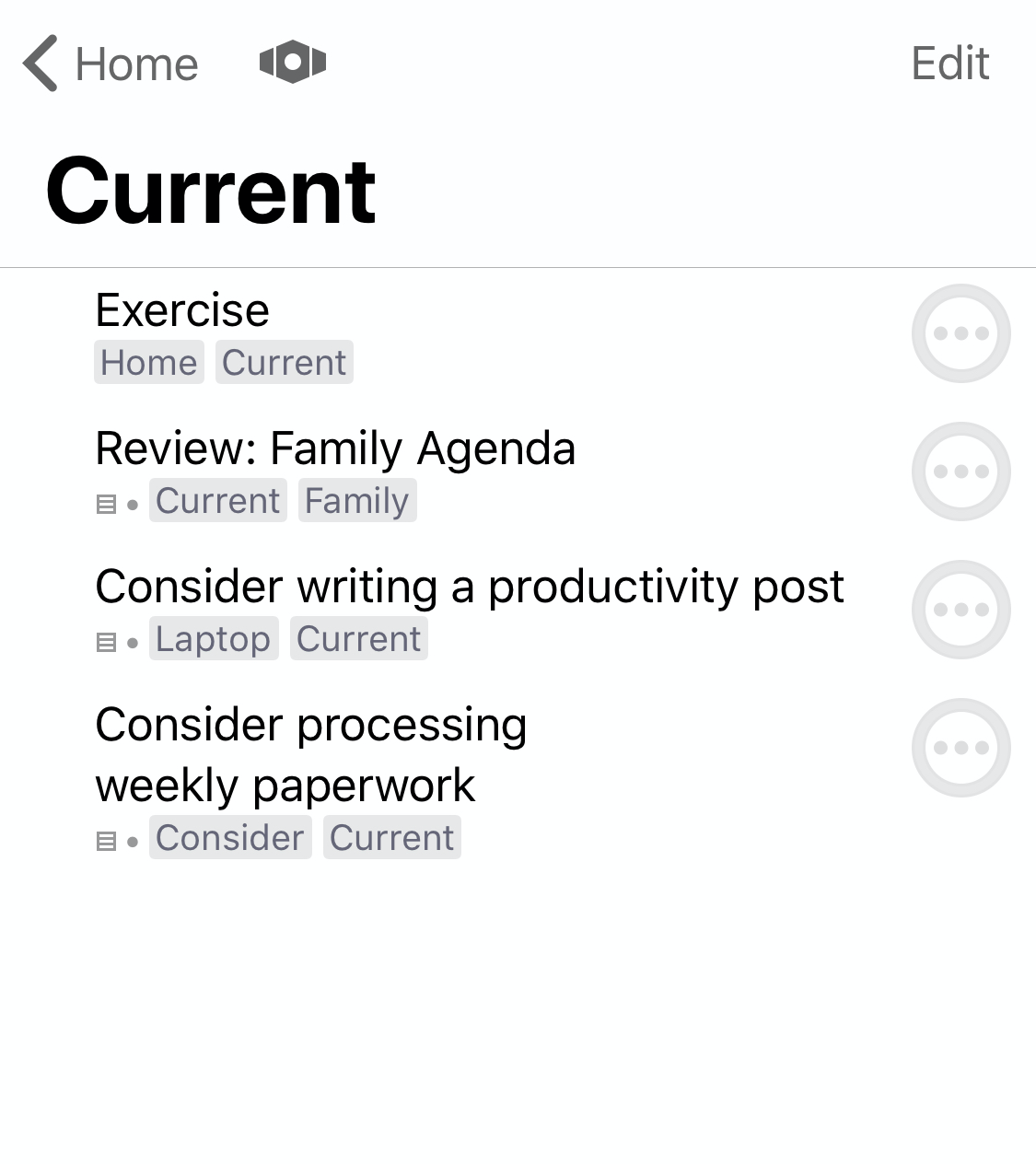 Perspective with tags visible[/caption]
You could also have neither show:
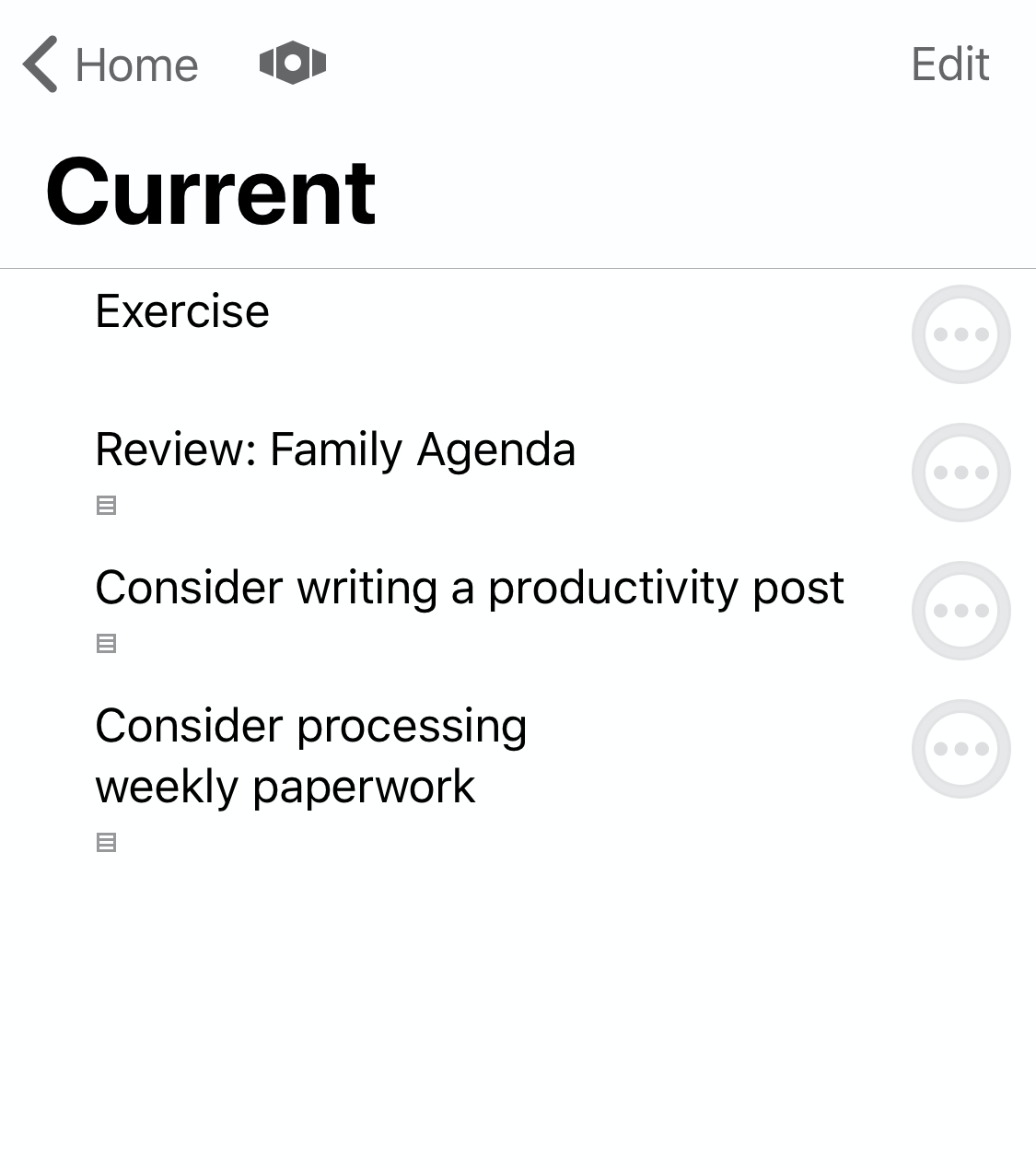 Perspective without tags or projects visible[/caption]
For this particular perspective, I’m not a fan of seeing my tags, but I do like the projects showing as presented in the first image above.
Also, check out the parallel post about clearing visual clutter for the Mac client.






