Hook and DEVONthink
There's a neat connection you can create using Hook and DEVONthink. Hook is a program that creates a palette of connected items throughout your system. I've described using Hook before when using it with OmniFocus.
Using Hook, you can automatically create a text file in DEVONthink to connect to any other part of your system.
An Example
As an example, here's a project I have in OmniFocus:
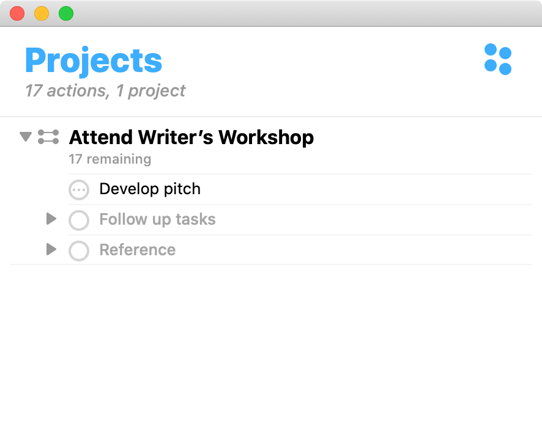
I then
- Select the project
- Type the Hook command (Shift-option-space for me)
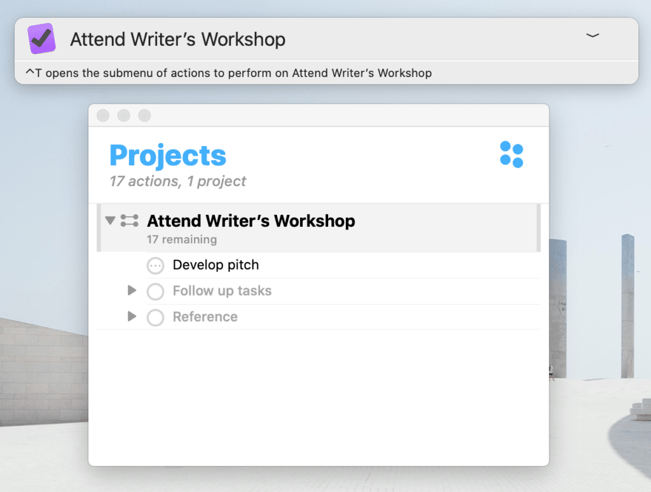
Doing so summons the Hook app, which you can see hovering over the project in the OmniFocus window:
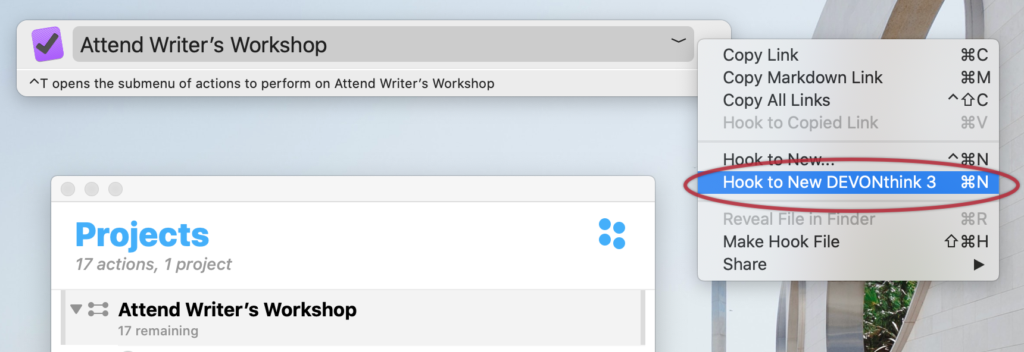
- Type Command-n to create a new DEVONthink file.
In the image below, you can see the menu option that could alternatively by selected:
A new window appears asking where you want the note in DEVONthink:
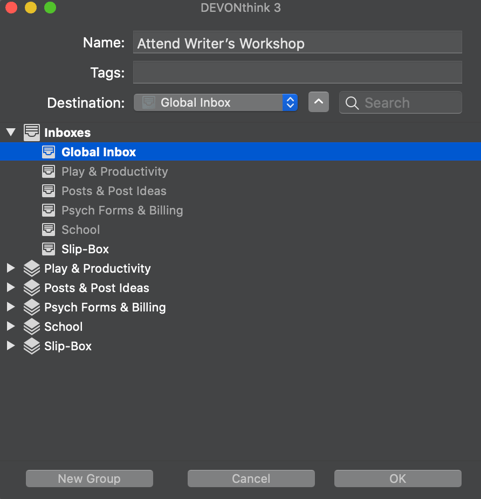
- Choose a spot, and hit ok.
Once you do, you'll see a new note, ready for whatever reference items you want to add:
 DEVONthink note available for references
Now, whenever you select the OmniFocus Project and invoke the Hook command, you can see your reference note:

How to Set It Up
Setting it up is easy.
- Invoke Hook (Shift-Option-Space)
- Access preferences (Command-,)
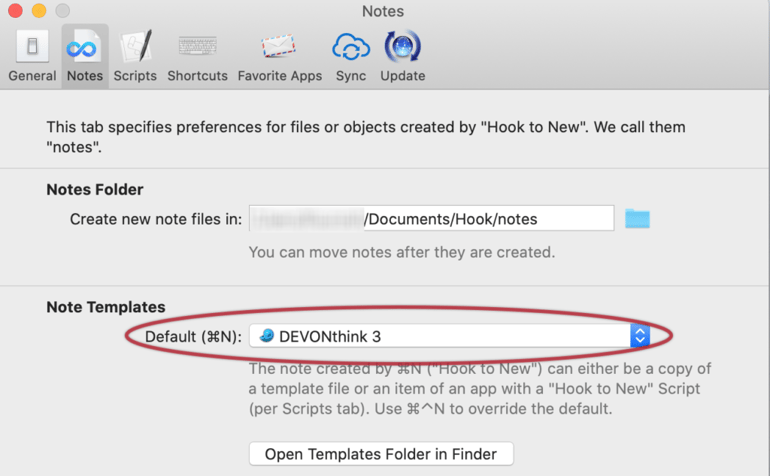
- Go to the Notes tab
- Under the Note Templates area, choose DEVONthink as your default: